Menus & Toolbar
The menu bar holds project-level commands. File manages network projects on disk; Help handles registration and version information.
File menu
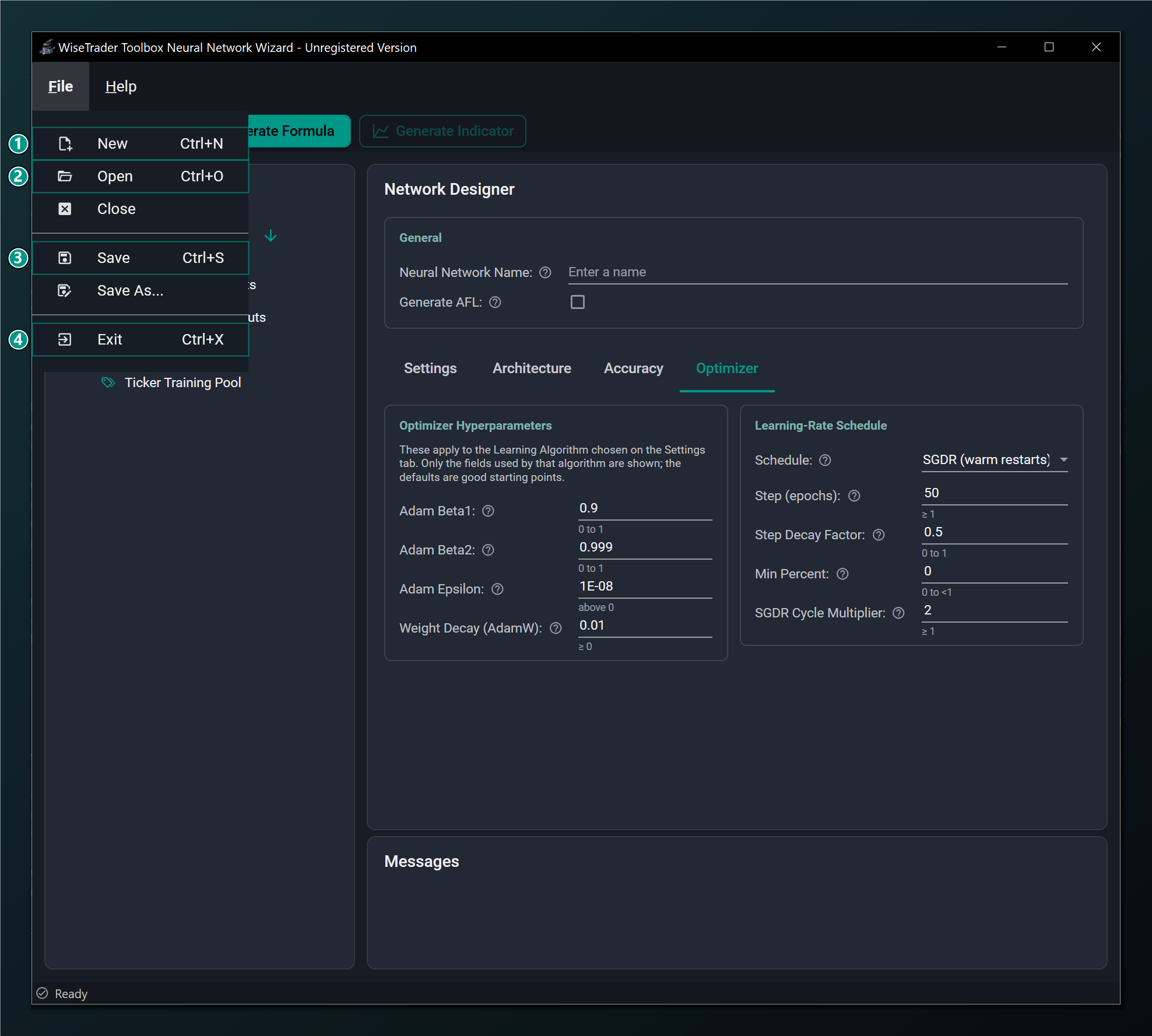
- New — start a new blank neural network (Ctrl+N).
- Open — open a saved network project (Ctrl+O).
- Save — save the project. Registered version only (Ctrl+S).
- Exit — close the wizard (Ctrl+X).
Note
Save is available in the registered version only. In the unregistered build you can still design and generate formulas, but you cannot save the network project for later. See About & Registration.
Help menu
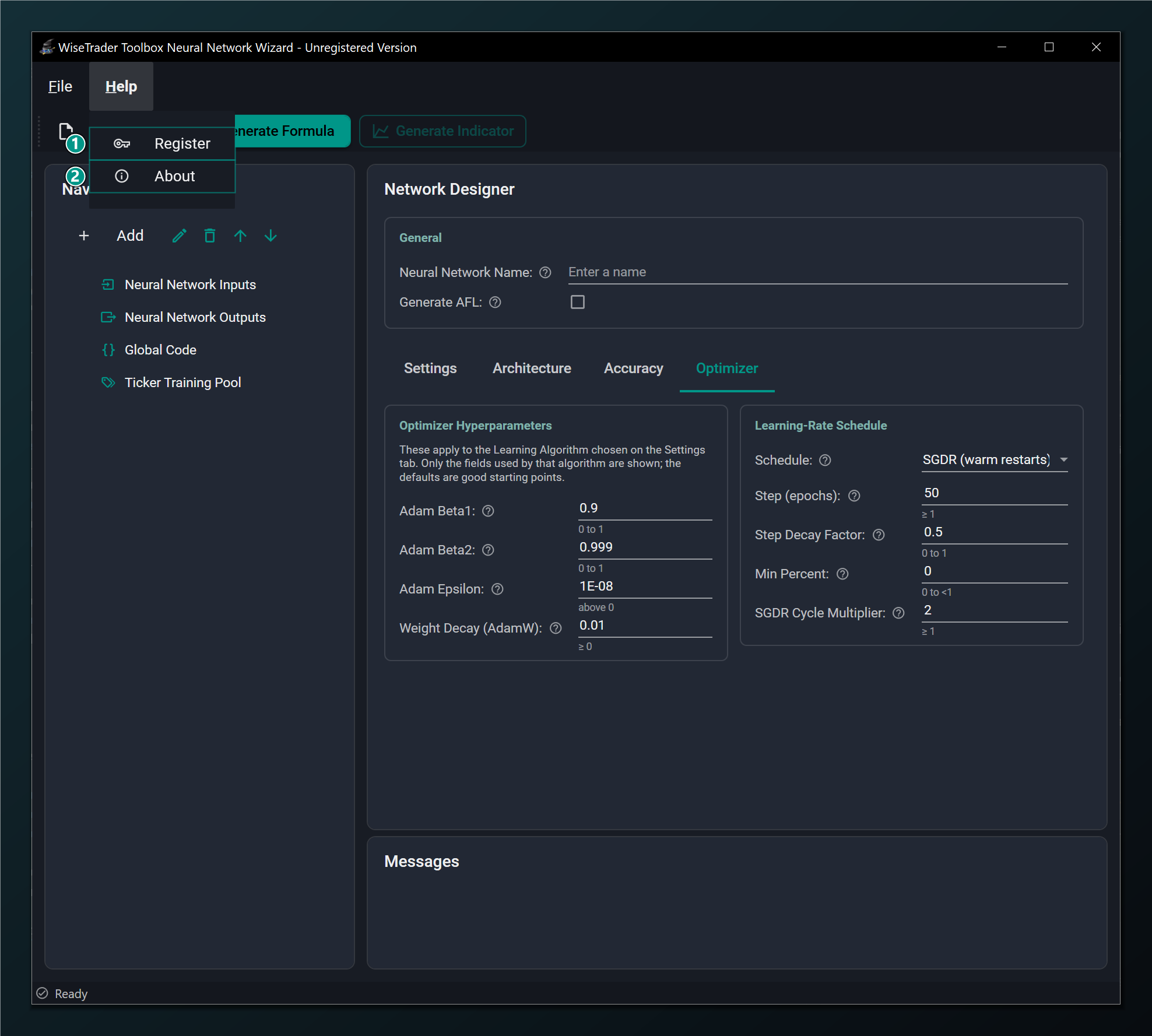
- Register — enter your licence key to unlock saving.
- About — version and product information.
Keyboard shortcuts
| Shortcut | Action |
|---|---|
| Ctrl+N | New network |
| Ctrl+O | Open a saved project |
| Ctrl+S | Save the project (registered) |
| Ctrl+X | Exit the Wizard |