Ticker Training Pool
The ticker training pool is the set of symbols a Standard network trains across. Training on several symbols at once gives the network more and more varied data, which usually produces a more robust, general model than training on a single symbol. You add it from Add → Tickers.
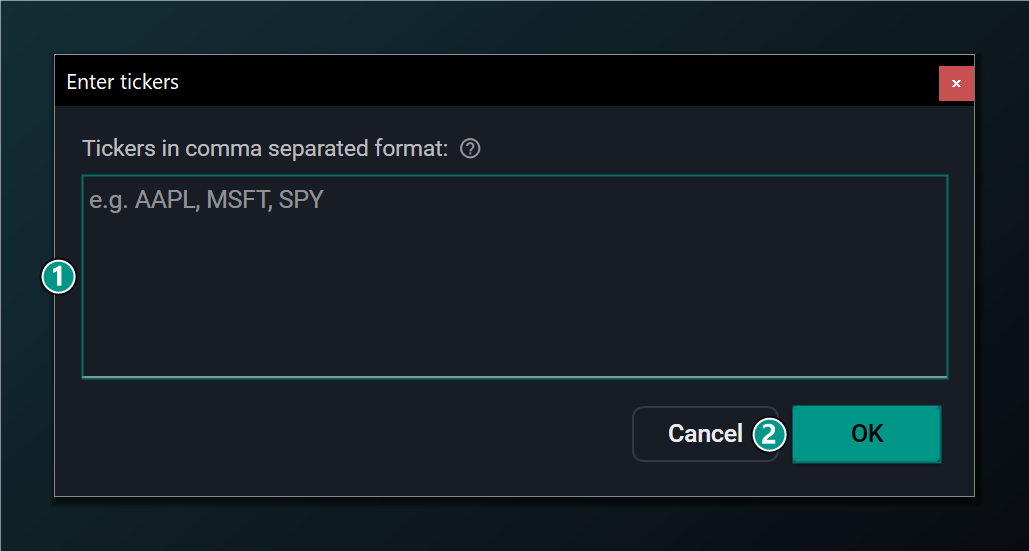
- Tickers — symbols to train across, comma-separated (e.g.
AAPL, MSFT, SPY). Leave empty to train only the current chart symbol. - OK — add these symbols to the Ticker Training Pool.
Pick symbols that resemble the instruments you intend to trade. A network trained across a basket of large-cap stocks will generalise to similar stocks, but may behave unpredictably on an asset class it never saw during training.
The ticker pool applies to Standard networks only. A Walk-Forward network is inherently single-symbol — it re-trains on the rolling window of the chart it runs on — so the ticker-pool feature is disabled in that mode.
Leaving the pool empty is valid: the network then trains only on the symbol of the chart the training formula is applied to.