Getting Started
When you launch the Neural Network Wizard it first asks what kind of network you want to build. This choice decides whether the network is trained once and reused, or re-trained continuously as the market moves.
If the words training, prediction and overfitting are new, take five minutes with Neural Networks for Traders before you start — it makes the choices below obvious.
Choosing the network type
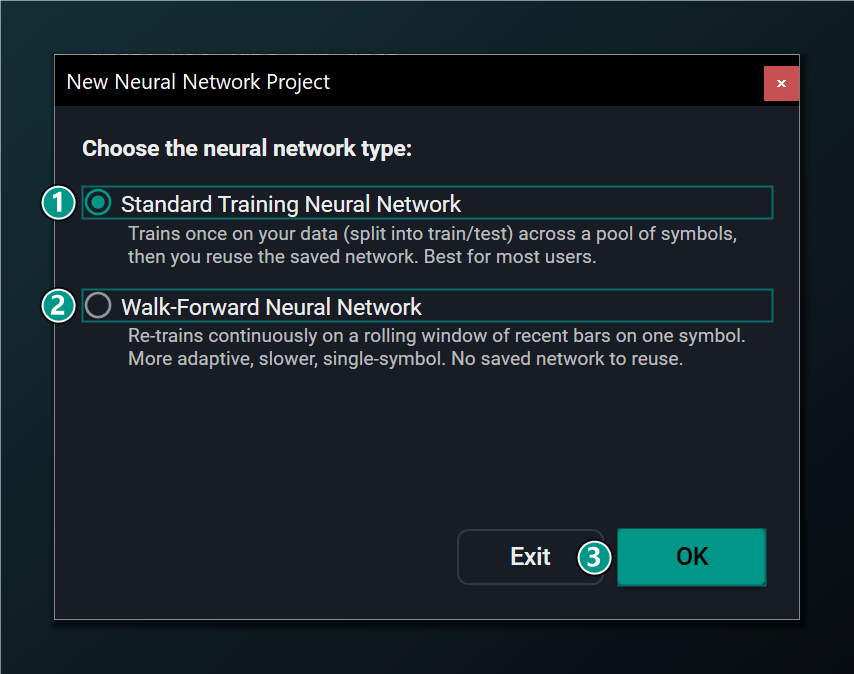
- Standard — trains once on your data (split into train/test) across a pool of symbols, then you reuse the saved network. Best for most users.
- Walk-Forward — re-trains continuously on a rolling window of recent bars on one symbol. More adaptive, slower, single-symbol; no saved network.
- OK — create the network of the selected type and open the designer.
Not sure which to pick? Choose Standard. It is the default, trains fastest, and unlocks every feature in the Wizard including the recurrent LSTM/GRU models.
Selecting Walk-Forward
Selecting Walk-Forward switches the Wizard into its adaptive, single-symbol mode. This disables the saved-network and ticker-pool features, because a Walk-Forward network is re-trained on the fly rather than saved and reused.
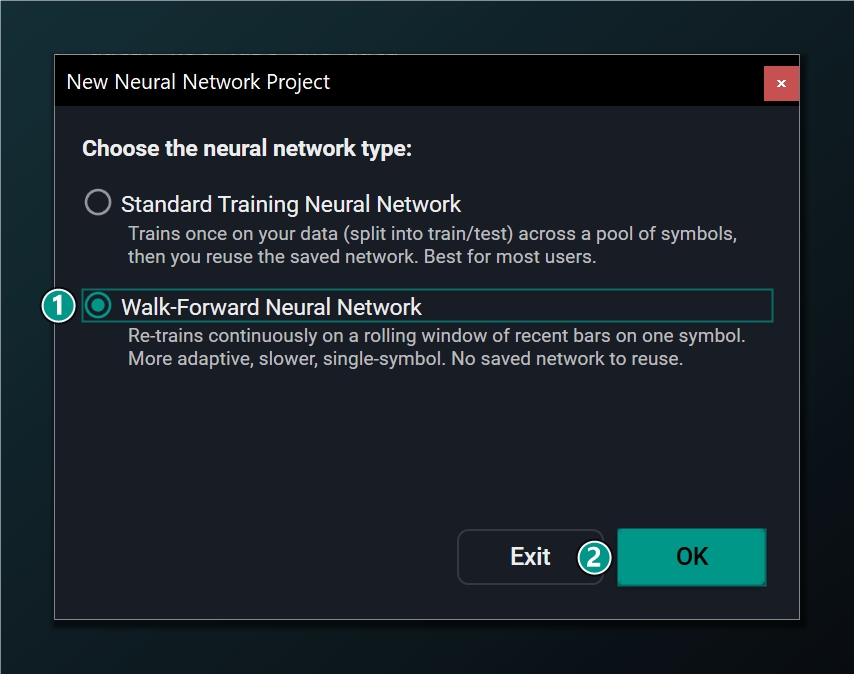
- Walk-Forward selected — an adaptive, single-symbol network that re-trains on a rolling window. Disables the saved-network and ticker-pool features.
- OK — create a Walk-Forward network and open the designer.
You don't have to decide forever. You can start a new network at any time from File → New in the main window and pick a different type. See Walk-Forward Networks for how the two modes differ once you are in the designer.
Once you click OK, the Wizard opens its main window, where you configure and build the network.